TVMounty installation guides
How High Should You Mount a TV? Measure the View First
Updated November 3, 2026
Start with the screen center near your eye level in your normal viewing position, then test the location before drilling. To estimate the bottom of a screen, subtract half its height from the chosen center height. A 32-inch-tall screen centered 42 inches above the floor has its bottom 26 inches above the floor. That is a planning example, not a universal height: your seat, posture, TV body, furniture and bracket geometry can change the installation measurements.

Measure from the seat you actually use
Sit where you normally watch, with the cushions, footrest and back support arranged as you use them. Ask someone to measure from the finished floor to your eyes. Record the measurement without straightening into a pose you will not maintain while watching.
Eye level is a useful starting point, not a rule that every person and every room must meet exactly. Vogel's height guidance begins with the viewer's position rather than a single universal height. Samsung's mounting guide also describes measuring from the viewing position. Use those principles to make a mock-up, then judge the actual view.
If several people use the room, measure the common seating positions and identify the main one. A sofa and a tall chair may produce different eye heights. Choosing a reasonable shared position is more useful than assuming the average must be comfortable for everyone. Check frequently used off-center seats as well as the central one.
Turn center height into bottom and top measurements
For a rectangular screen, the basic calculation is bottom height = center height − screen height ÷ 2. The corresponding top height is center height + screen height ÷ 2. Use the same units throughout and state whether “height” means the illuminated screen or the TV's outside body.
For a model with a thicker lower bezel, the screen center may not be exactly halfway between the body's top and bottom. The most reliable measurement for placing the physical TV is the distance from its bottom edge to the visible screen center. Subtract that measured distance from the target screen-center height. Do not include the stand in the body measurement for a wall installation.
The following geometric examples assume a 16:9 screen and a chosen center height of 42 inches. Screen height is calculated as diagonal × 9 ÷ √337, rounded to one decimal place. These are approximate active-screen dimensions, not model dimensions or drilling instructions.
| Screen diagonal | Calculated screen height | Screen bottom at a 42-inch center | Screen top |
|---|---|---|---|
| 43 inches | 21.1 inches | 31.5 inches | 52.5 inches |
| 55 inches | 27.0 inches | 28.5 inches | 55.5 inches |
| 65 inches | 31.9 inches | 26.1 inches | 57.9 inches |
| 75 inches | 36.8 inches | 23.6 inches | 60.4 inches |
| 85 inches | 41.7 inches | 21.2 inches | 62.8 inches |
The table explains why a larger screen does not automatically need a higher center. Keeping the center in the same place moves its bottom down and its top up. Check the actual TV dimensions and rounding before transferring a position to the wall. The TV height calculator can help compare layouts; a planning result still needs those model-specific measurements.
Translate the TV position into the bracket's drilling height
The TV's center is not necessarily the center of its VESA holes, and neither necessarily matches a wall-plate drill hole. Rails, hooks, tilt mechanisms and mounting-hole choices affect the relationship. Selecting a different row on a rail can change the result even when the same TV and bracket are used.
One useful measurement is the vertical distance from the TV's bottom edge to the particular wall-plate hole specified by the mount's instructions, with the compatible parts positioned as directed. Add that offset to the desired bottom-edge height. For example, a bottom edge 26 inches above the floor plus an illustrative 15-inch offset gives a reference hole 41 inches above the floor.

The 15-inch offset is invented solely for this arithmetic example. Measure your assembly and use its named reference hole; do not use the example as a drilling height. Vogel's positioning manual shows this distinction and includes different methods for different mount series. Full-motion mounts can also introduce horizontal offsets, so centering the wall plate alone may not center the parked TV.
Once the correct reference is established, use the actual template or wall plate as the manufacturer directs. A TV-outline mock-up is not a drilling template. Keep attachment locations, structure and hidden services in the decision rather than moving a hole arbitrarily to fit the visual outline.
Test posture and viewing distance together
In a recliner or bed, test the position with your head supported as it normally is. Do not add a fixed number of inches just because the room is a bedroom. Backrest angle, pillow position, distance and the way you actually watch all affect the preferred direction of view.
A simple angle calculation can explain why the same height feels different across a room. Suppose a screen center is 18 inches above the viewer's eye level. At a horizontal eye-to-screen distance of 96 inches, the line of sight rises about 10.6 degrees: arctan(18 ÷ 96). At 144 inches, the same rise is about 7.1 degrees. These numbers describe geometry; neither is a medical comfort limit or a universal recommendation.

Make a full-size paper or cardboard outline and look at it from the actual seats. Check whether you naturally change your head position to look at the center. Repeat with the room's usual lighting. Philips' room-placement guide also considers seating and reflections, although its room advice should not replace your TV or mount instructions.
Separate screen tilt from mounting height
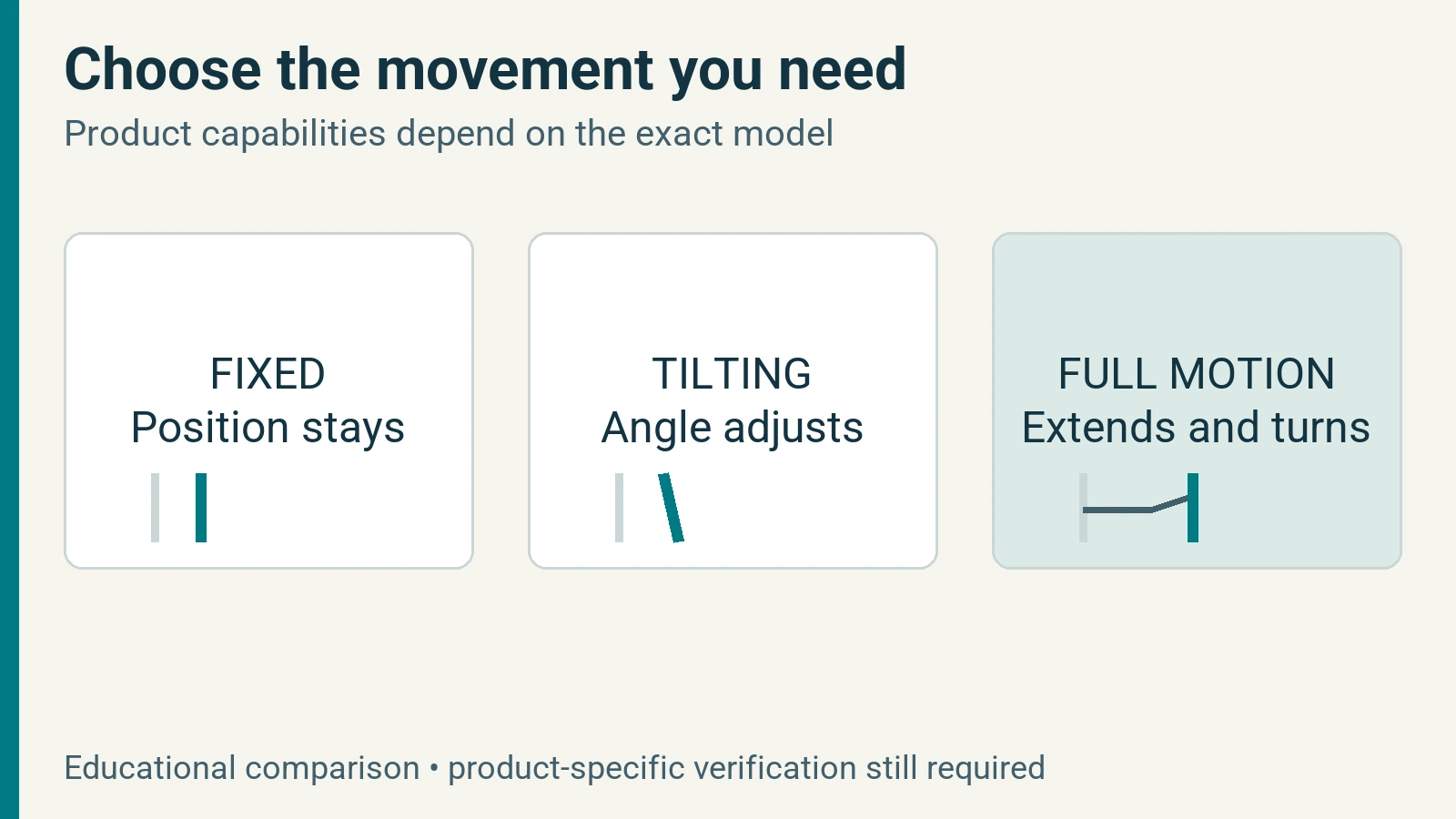
A tilting mount changes the screen's angle. It does not by itself lower the screen center to eye level, and it does not make looking upward disappear. A mount designed to move the TV vertically is a different mechanism with its own clearance, capacity and operating requirements.
Tilt may help aim a higher screen toward the seats or change a reflection, but first test whether a lower location works better. Check the permitted tilt range, connector clearance and ventilation in the TV and mount instructions. Do not wedge or tip a TV on a fixed stand to imitate a tilt mechanism.
For a corner layout, horizontal direction and arm travel also matter. The corner-mount guide explains clearance through the full movement path. Set the preferred viewing height, then verify that the mount can achieve the position while remaining within its installation requirements.
Resolve furniture, soundbar and fireplace conflicts before drilling
A cabinet or soundbar can conflict with a low screen edge. Measure the actual equipment and the clearances its instructions require. Check that it will not block the picture, controls or ventilation. If the comfortable screen position overlaps the furniture, consider relocating or replacing the furniture before treating a higher TV as the only solution.
A fireplace adds heat and clearance questions as well as viewing height. The relevant TV, fireplace and mount requirements must all be met; a mantel or a tilt bracket alone is not evidence of suitability. Samsung's linked guidance specifically discourages mounting its TVs above a fireplace. Other products require their own instructions, not an assumption that the same numerical limit applies.
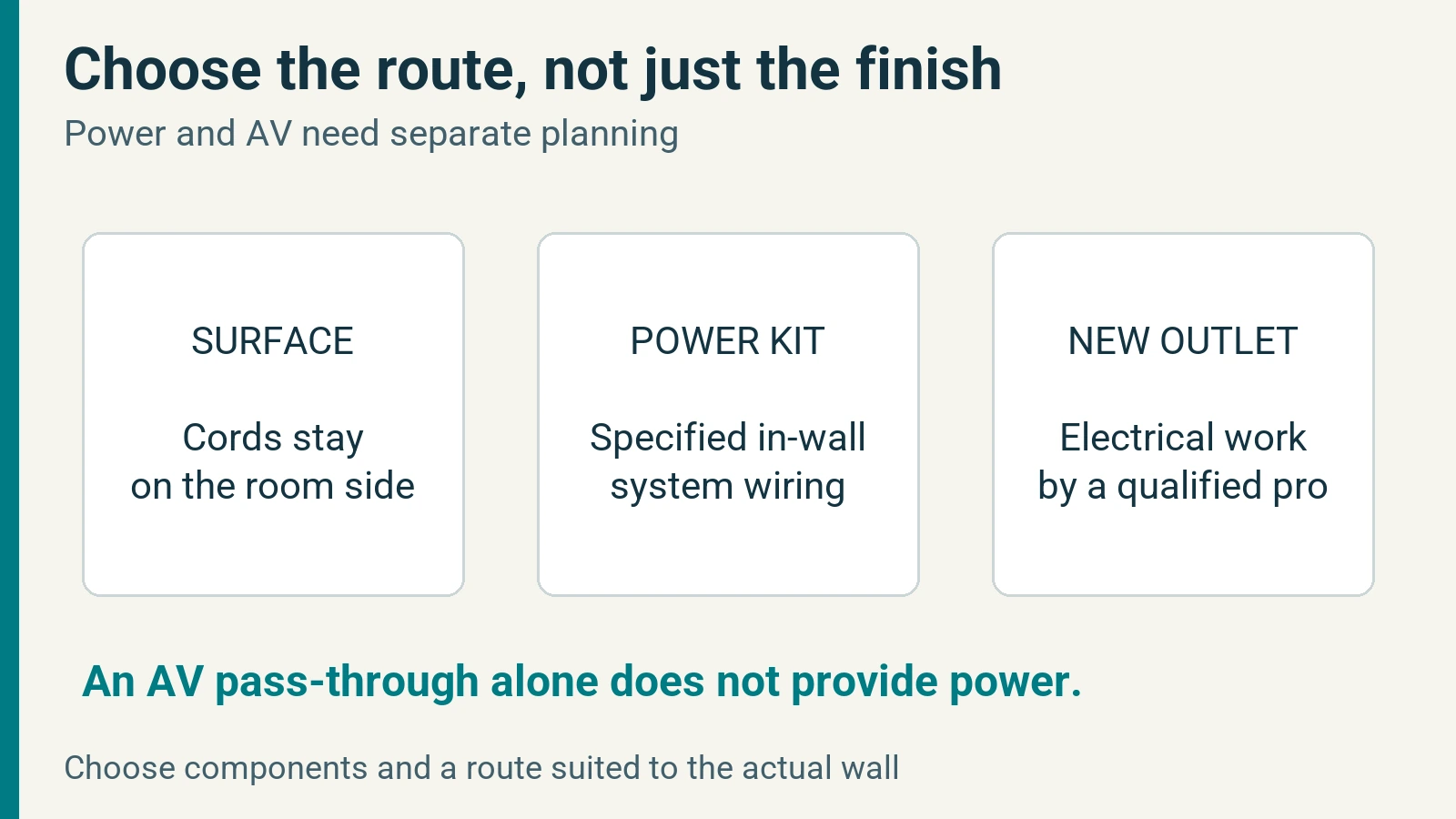
Plan the outlet and cable route at the chosen position. A short cord is not a reason to raise the TV, and an ordinary TV cord should not be hidden inside the wall.
Keep three measurements for the installation discussion: the desired screen center, the actual TV bottom, and the mount's specified reference-hole height. If you need help turning the mock-up into an installation, prepare a TVMounty request with your TV and mount details. Address coverage, travel fees and arrival-window confirmation are handled during booking; the final wall position should be agreed after the equipment and attachment conditions are checked.