Wall-mounting your TV can make a big difference in how your space looks and feels. It saves floor space, improves the viewing angle, and creates a modern, clutter-free environment. But not all mounts work for every room or wall. Choosing the right one depends on where you’ll be watching, how your room is set up, and what kind of functionality you need.
- Overview: Types of TV Wall Mounts
- Best Mount for Living Room
- Best Mount for Bedroom
- Best Mount for Kitchen
- Mounting a TV Above the Fireplace
- What to Consider Before You Buy
- DIY vs. Professional Installation
- Cable Management and Aesthetics
- Final Buying Checklist
- Frequently Asked Questions
- Conclusion
Overview: Types of TV Wall Mounts
Before we break down the best mount for each room, let’s look at the three main types of wall mounts available. Each offers different features and levels of flexibility, and understanding them will help you make the right choice for your space.
Fixed Mount

A fixed mount holds your TV flat against the wall. It’s the most low-profile and affordable option, ideal for rooms where the screen stays at eye level and you don’t need to adjust the angle. This mount offers a clean, minimalist look but doesn’t allow for tilting or swiveling.
Tilting Mount
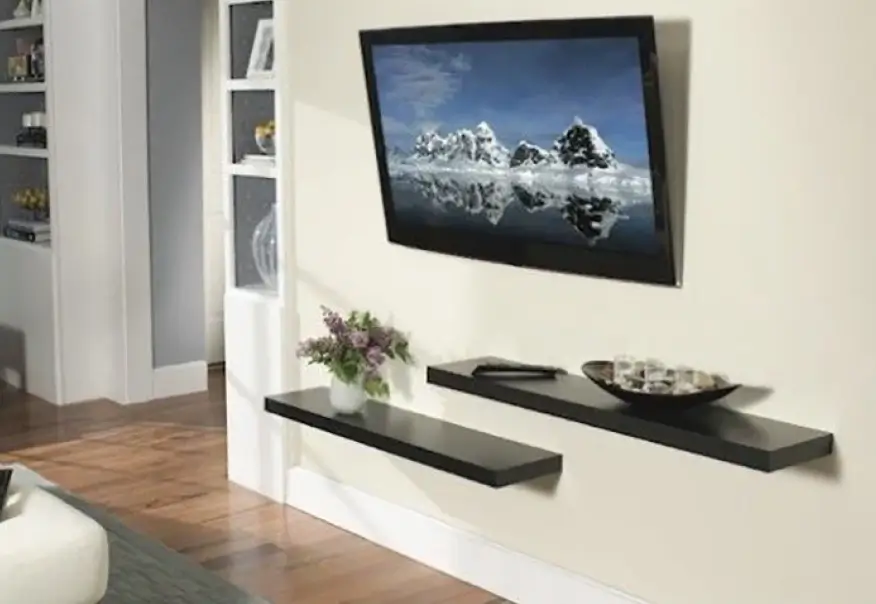
A tilting mount lets you angle the screen up or down, which helps reduce glare from windows or lights. It’s perfect for TVs placed higher than eye level — like in a bedroom or over a fireplace — and adds comfort for long viewing sessions.
Full-Motion (Articulating) Mount

This is the most versatile option. It allows you to pull the TV away from the wall, tilt it, and swivel it side to side. A full-motion mount is best for large rooms, open layouts, or when the screen needs to be visible from multiple seating areas, such as kitchens or open-plan living spaces.
Best Mount for Living Room
The living room is the most common place for a wall-mounted TV, and it often serves multiple purposes — from movie nights to entertaining guests. Choosing the right mount here isn’t just about functionality; it’s also about layout, comfort, and aesthetics.
Mount Type Depends on Layout
If your TV will be installed directly across from a main seating area, such as a sofa, you may not need a full-motion mount. In many cases, a tilting mount is sufficient. It gives you vertical angle control, which helps reduce glare from windows or ceiling lights, especially during daytime viewing.
However, if your seating is off-center or if you want to watch TV from different spots in the room, a full-motion (articulating) mount provides the flexibility to rotate, tilt, and extend the screen as needed.
Wall Stud Position and Centering
One of the most overlooked but critical factors is the location of the wall studs. Standard mounts attach directly to these studs for safety. But what if the studs don’t line up with the spot where you want your TV centered?
In that case, a wide wall plate mount with horizontal adjustment is essential. These mounts allow you to shift the TV left or right after installation, so you can perfectly center it — even if the studs are off to one side. This is especially helpful when mounting:
- Between two windows
- In tight spaces between cabinets or shelves
- Above a fireplace where symmetry is visually important
When a Fixed Mount Makes Sense
If your TV is mounted exactly at eye level and you won’t be adjusting the angle, a fixed (low-profile) mount is a clean, cost-effective choice. It keeps the TV snug against the wall with almost no gap — ideal for a minimalist look or when the TV is used more as a design element than for active, frequent viewing.
Just make sure your viewing angle is comfortable. Fixed mounts offer no tilt or swivel options, so they work best when the seating and TV are already aligned properly.
Best Mount for Bedroom
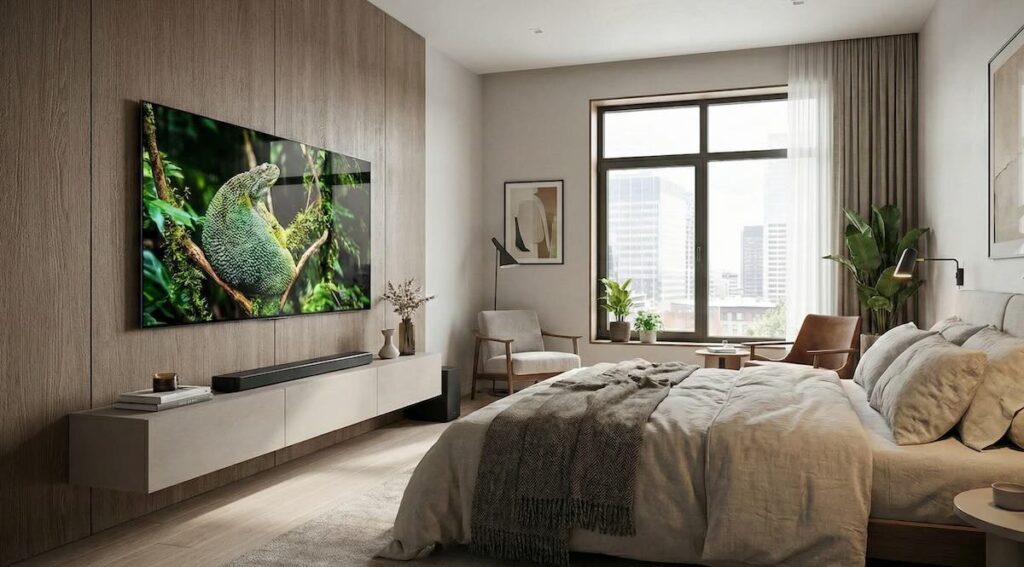
Wall-mounting a TV in the bedroom is about comfort and convenience. People usually watch TV here while lying down or relaxing in bed, which makes the viewing angle more important than in other rooms.
Recommended Mount Type: Tilting or Full-Motion
In most bedrooms, the TV is placed higher on the wall than eye level. A tilting mount is often the best choice. It allows you to angle the screen downward so you can watch comfortably from a reclined position. This reduces neck strain and improves visibility without requiring a more complex mount.
However, if your bed is positioned far from the wall or slightly off to the side, a full-motion mount offers even more flexibility. It lets you pull the screen closer, tilt it, and swivel it as needed — ideal for larger bedrooms or when the viewing position changes.
Other Considerations
- Make sure the mount can tilt downward by at least 10–15 degrees.
- Check the wall material — many bedrooms have drywall with wood studs, so confirm stud placement and weight limits.
- If the TV will be installed opposite a window, tilt also helps reduce glare.
If you don’t need angle adjustment and your TV is at eye level when sitting, a fixed mount can work — but it’s less common in bedrooms due to the viewing height and posture.
Best Mount for Kitchen
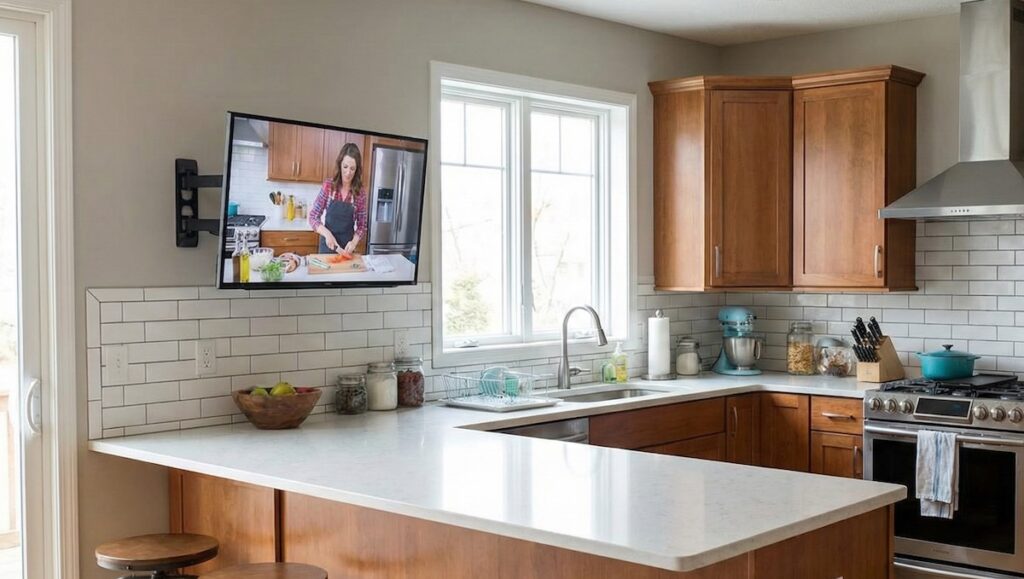
The kitchen has unique challenges when it comes to TV placement. Countertops, cabinets, and limited wall space mean you often need to install the screen higher up or in a corner. Flexibility and compactness are key here.
Recommended Mount Type: Full-Motion or Small Tilting Mount
A full-motion mount is highly recommended for kitchens. It allows you to pull the TV out, swivel it toward different prep areas, and push it back when not in use. This is useful in open-concept kitchens or when you want to see the screen while cooking, dining, or cleaning.
If your kitchen is small or you plan to install the TV under a cabinet or in a fixed position, a small tilting mount may be enough. It allows some vertical adjustment while keeping the TV close to the wall.
Installation Tips for Kitchens
- Use a mount that supports extension and swivel in tight areas.
- Make sure the mount’s arm clears any nearby cabinets or shelves when extended.
- Install the TV higher than usual to keep it safe from splashes or heat — but combine this with tilt for a comfortable viewing angle.
Because kitchens tend to have more moisture and grease in the air, it’s also a good idea to clean the screen regularly and avoid placing the TV directly above the stove or sink.
Mounting a TV Above the Fireplace
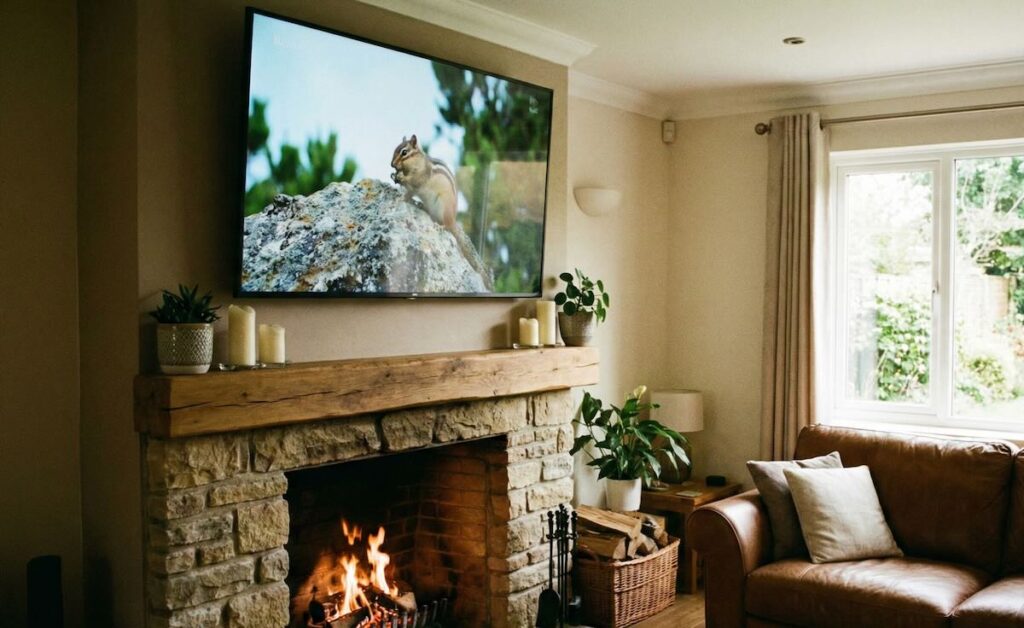
Installing a TV above a fireplace can look elegant and save space — but it also comes with unique challenges. Heat, height, and viewing angle are the three biggest factors to consider before choosing a mount for this setup.
Recommended Mount Type: Tilting or Pull-Down Full-Motion Mount
Since TVs placed above a fireplace are almost always higher than eye level, a tilting mount is a minimum requirement. It allows you to angle the screen downward to improve visibility and reduce neck strain. Without tilt, the viewing experience can quickly become uncomfortable — especially during longer sessions.
For the best comfort, consider a pull-down full-motion mount. These specialized mounts allow the TV to be lowered and pulled forward into a better position for watching, then pushed back above the fireplace when not in use. This is an ideal solution for daily viewing, especially if the fireplace is quite tall.
Important Considerations
- Heat Check: Before installing, turn on your fireplace and feel the wall temperature where the TV will go. If it gets warm to the touch, consider installing a mantel or a heat deflector to protect your TV.
- Stud Location: Fireplaces often have non-standard framing. Use a stud finder to locate secure mounting points, and make sure your mount allows horizontal adjustment in case the studs aren’t centered.
- Symmetry: The area above a fireplace is usually the visual focal point of the room. A mount with side-to-side shift makes it easier to perfectly center the TV, even if the studs don’t line up exactly.
While fixed mounts should generally be avoided in this situation, they can be used only if the screen is mounted at a low height above a shallow fireplace with minimal heat output — and the viewing position aligns well.
What to Consider Before You Buy
Before choosing a wall mount, it’s important to look beyond just the room and mount type. You also need to ensure that your setup is technically compatible and safe. Here are the three most important factors to check before making a purchase:
TV Size and Weight
Every mount has limits for both screen size (measured diagonally) and weight. These specs are usually listed clearly on the product box or listing. Your TV must fall within those ranges — otherwise, the mount could fail or damage the wall.
Pro tip: always choose a mount with a slightly higher weight rating than your TV’s actual weight. This adds a safety margin and gives more long-term stability, especially for large TVs.
VESA Compatibility
VESA (Video Electronics Standards Association) patterns define the distance between the mounting holes on the back of your TV — for example, 200×200 mm or 400×400 mm. These patterns need to match the mount’s supported VESA sizes.
You can usually find your TV’s VESA size in the manual or on the manufacturer’s website. Double-checking this before you buy saves time and prevents frustration during installation.
Wall Type: Drywall, Brick, or Concrete
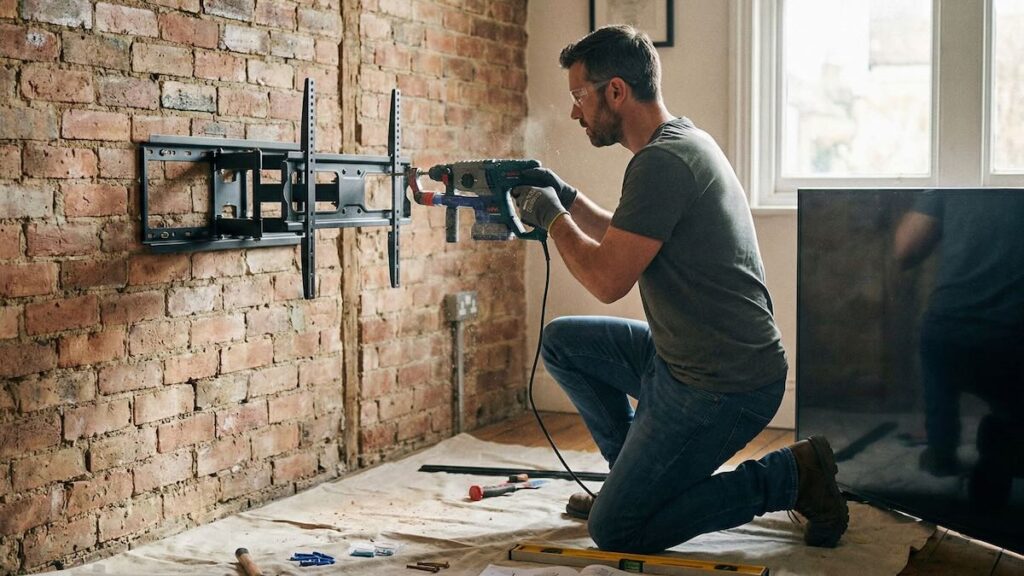
Not all mounts and fasteners are suitable for every wall type. Most mounts are designed for standard drywall with wooden studs behind it. If your wall is made of brick, concrete, or metal studs, you may need special anchors or installation tools.
- Drywall with studs: Use lag bolts and make sure the mount is secured directly into the wooden studs.
- Brick or concrete: Use masonry anchors and a hammer drill for proper support.
- Metal studs: May require toggle bolts or professional installation, depending on TV weight.
If you’re unsure about the wall type or anchor strength, it’s best to consult a professional installer or use a stud finder and wall inspection tools before drilling.
DIY vs. Professional Installation
Wall-mounting a TV might seem like a simple task, especially with so many DIY kits available. But depending on your wall type, TV size, and the desired position, installation can quickly become more complicated than expected. Here’s how to decide whether to do it yourself or hire a professional.
When DIY Is a Good Option
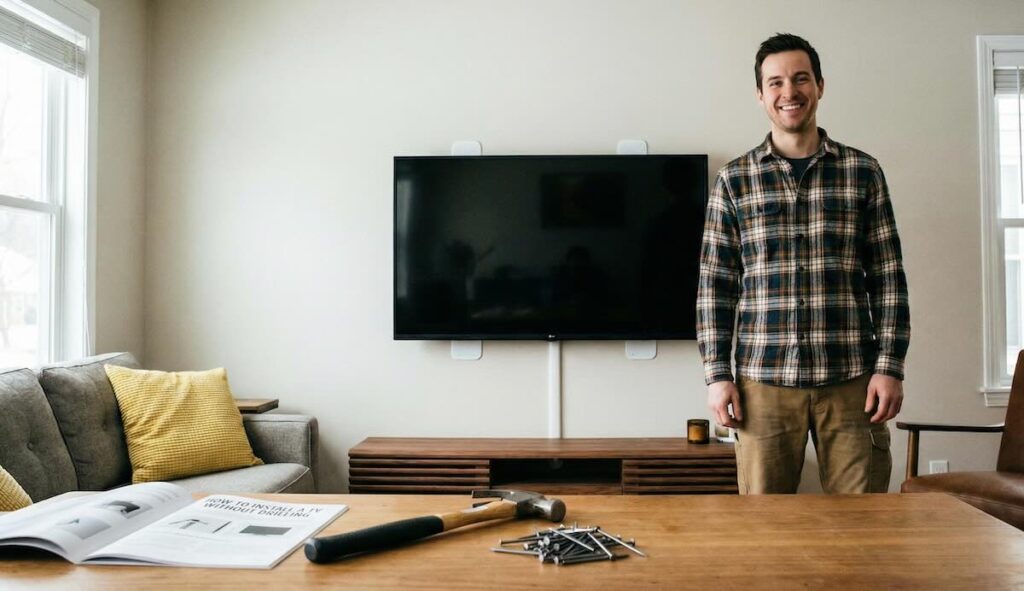
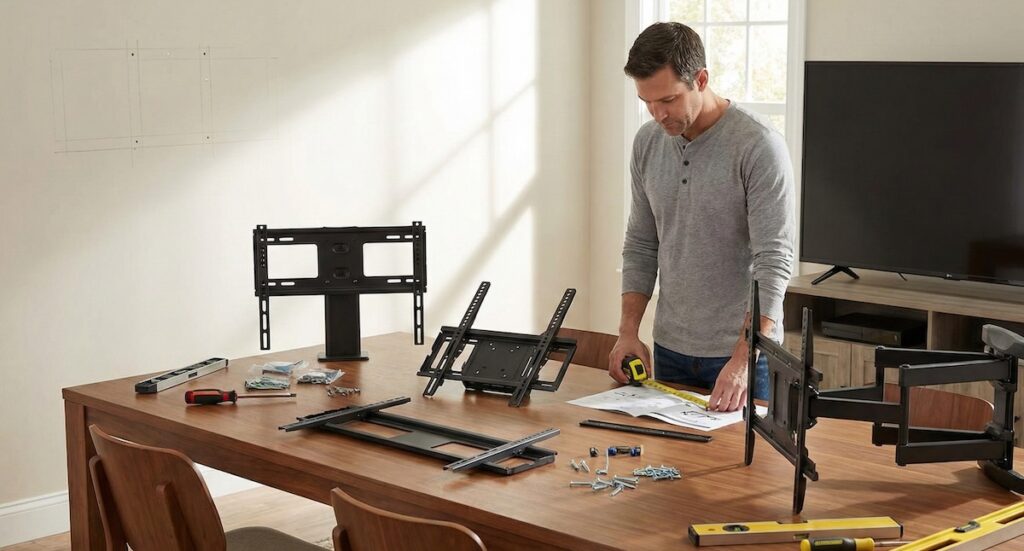
If you have basic tools, some home improvement experience, and your setup is straightforward — such as mounting to drywall with clearly visible studs — you can likely complete the installation yourself. Most modern mounts include step-by-step instructions and templates for drilling holes.
DIY is typically suitable if:
- You’re installing a small-to-medium TV (under 55 inches)
- The mount is fixed or tilting, not full-motion
- Stud locations are centered and easy to access
- You have a reliable stud finder and level
Just be sure to double-check weight ratings, fasteners, and whether your tools are appropriate for the job — especially if working with concrete or brick walls.
When to Hire a Professional
For larger TVs, complex wall types, or precision placement (like above a fireplace or between built-in shelves), a professional installer can save time and prevent costly mistakes. They’ll ensure the TV is level, centered, securely mounted, and safely wired — all in a fraction of the time.
Consider hiring a pro if:
- Your TV is large (over 65 inches)
- The wall is brick, concrete, or has metal studs
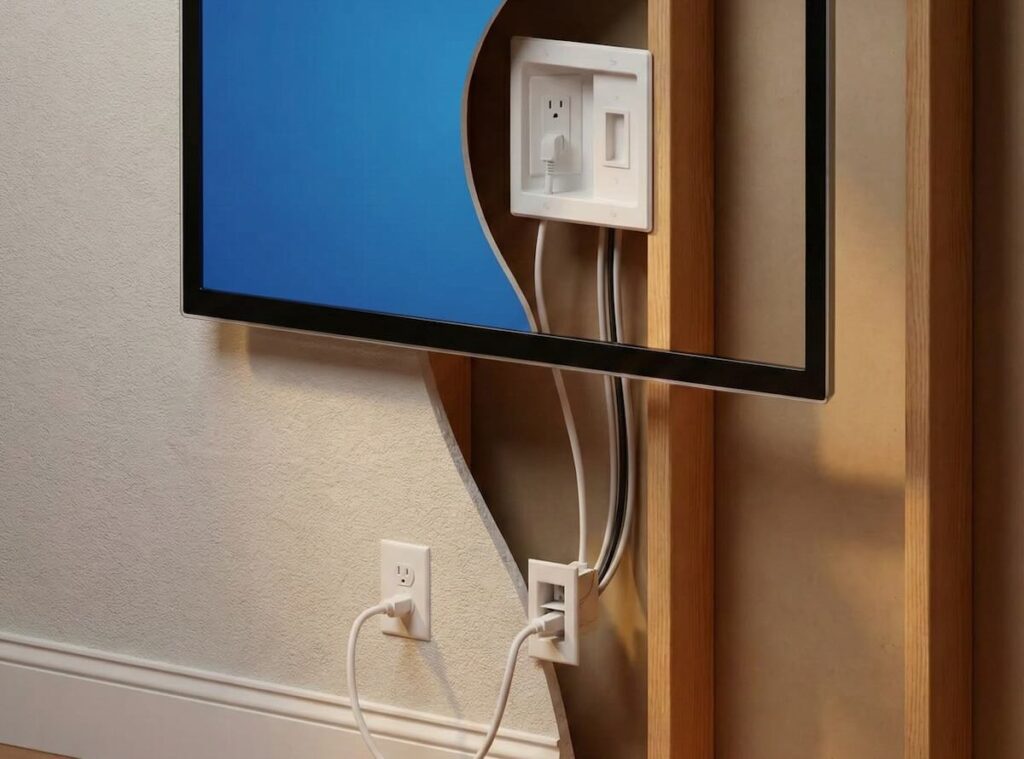
- You want a clean, hidden cable setup inside the wall
- Studs are off-center and require bracket adjustment
- You’re mounting above a fireplace or in a tight space
Professionals also bring the benefit of experience — they’ve likely mounted hundreds of TVs and know how to handle tricky layouts, angled ceilings, and custom cabinetry.
Cost vs. Convenience
While DIY saves on labor costs, a poor installation can damage your wall, your TV, or both — leading to more expense in the end. If you’re unsure about any part of the process, the small investment in professional installation is often worth the peace of mind.
Cable Management and Aesthetics
Clean cable management makes a big difference in the final look of your setup. Even the most expensive TV can look messy if wires hang down the wall.
- External covers: Affordable plastic channels that hide cables and can be painted to match your wall.
- In-wall kits: Ideal for a completely clean look — cables run through the wall for a wireless appearance. Usually requires a professional for safety and code compliance.
- Power outlet behind the TV: Prevents visible power cords hanging down. Can be installed by an electrician or as part of a professional mounting package.
Final Buying Checklist
- ✅ Check your TV’s size, weight, and VESA pattern
- ✅ Measure wall space and confirm viewing height
- ✅ Identify wall type and stud positions
- ✅ Choose mount type based on room and viewing needs
- ✅ Make sure the mount includes all needed hardware
- ✅ Plan cable routing for a clean appearance
- ✅ Decide between DIY or professional installation
Frequently Asked Questions
Can I mount a TV on drywall without studs?
It’s not recommended. Always secure the mount into wall studs or use specialized anchors for heavy-duty applications. Otherwise, the TV could fall and cause damage.
Is it safe to mount a TV above a fireplace?
Yes, if heat levels are low and the mount allows downward tilt or pull-down movement. Always check wall temperature during fireplace use before installation.
What’s the ideal height for a wall-mounted TV?
The center of the screen should ideally be at eye level when seated — usually 42 to 48 inches from the floor. If mounting higher, make sure to use a tilting or articulating mount.
Conclusion
Choosing the right TV wall mount depends on more than just TV size. Your room layout, viewing habits, and wall structure all play a role. By understanding the different mount types and what works best for each space — living room, bedroom, kitchen, or even above the fireplace — you’ll make a smart choice that looks great and performs well.
Whether you go the DIY route or hire a pro, taking the time to plan your installation carefully ensures your TV will be secure, stylish, and enjoyable to watch for years to come.