TVMounty installation guides
Can You Mount a TV on Drywall? Start With These Three Wall Situations
Updated November 5, 2026
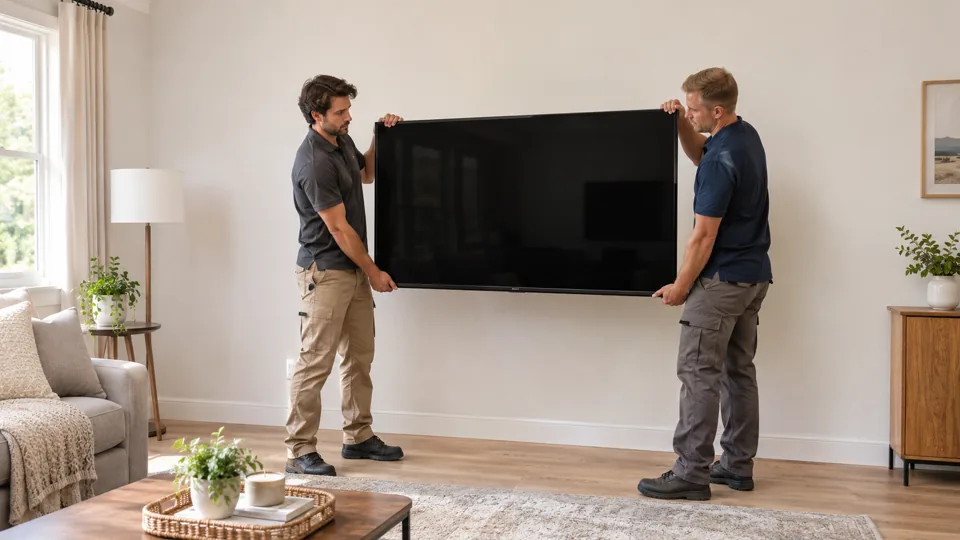
Drywall is often the surface in front of the support, not the support itself. Before selecting a mount, find out which situation you have: verified framing in the right place, verified framing offset from your preferred screen center, or an unknown wall. The exact TV, bracket, permitted wall construction and fasteners must fit together; a screen's diagonal in inches is not its weight in pounds.

Situation 1: the framing is verified where the plate needs it
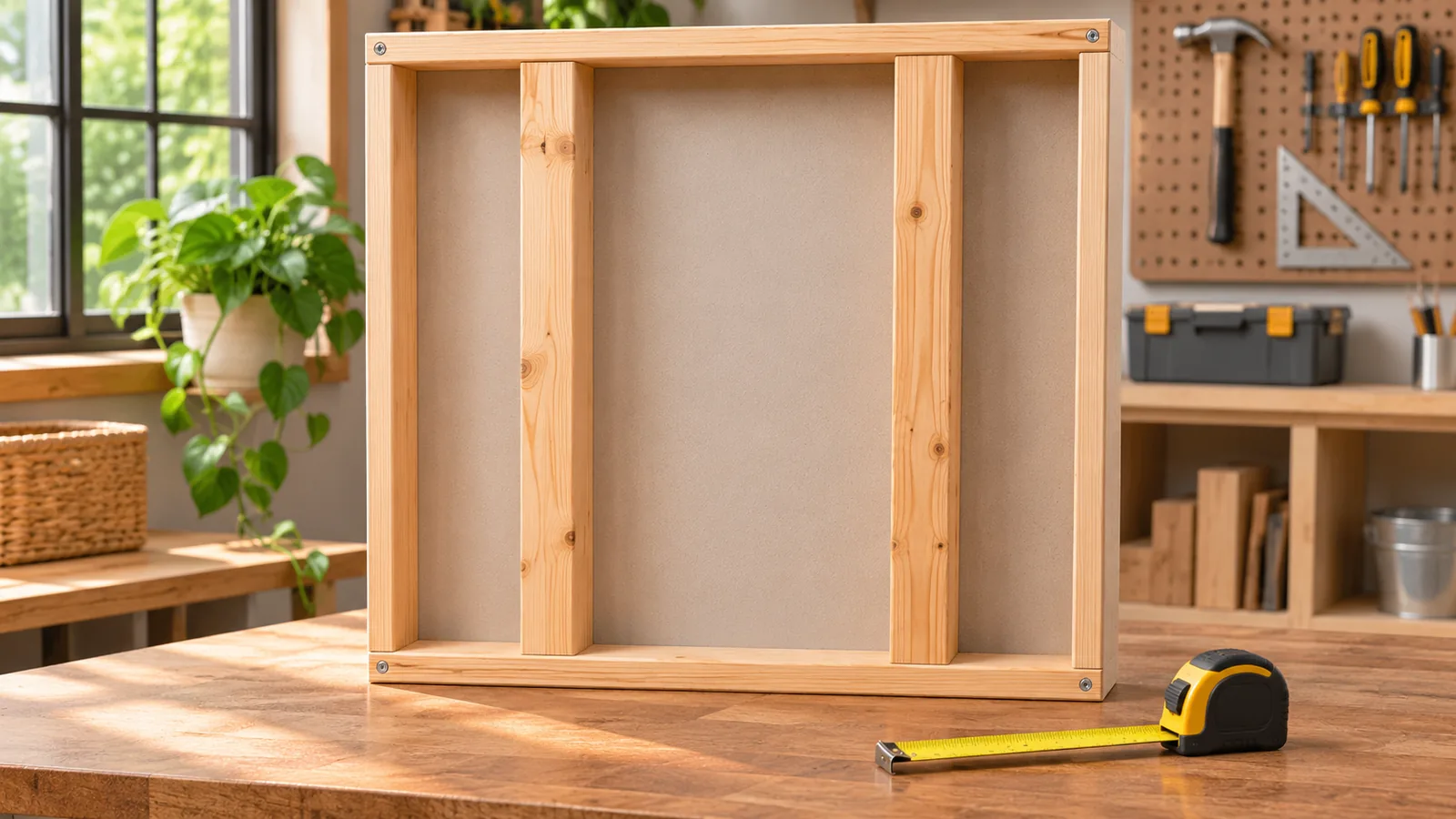
If suitable framing has been identified, compare its locations with the whole wall plate, not just the center of the TV. The bracket manual defines whether the framing type, spacing, number of supports and fastening method are permitted. A mount approved for wood studs does not automatically permit steel studs or drywall alone.
Have the TV model and weight without its stand, the weight of accessories the mount will carry, the mounting-hole pattern and the exact bracket manual available. A 75-inch diagonal describes screen size; it is not a 75-pound weight. Use the manufacturer's actual measurements and limits.
The SANUS MMT16b manual, for example, identifies permitted supports and says not to install that model into drywall alone. Its rules apply to that model; follow the current manual for the mount you have.

Situation 2: the framing is offset from the TV center
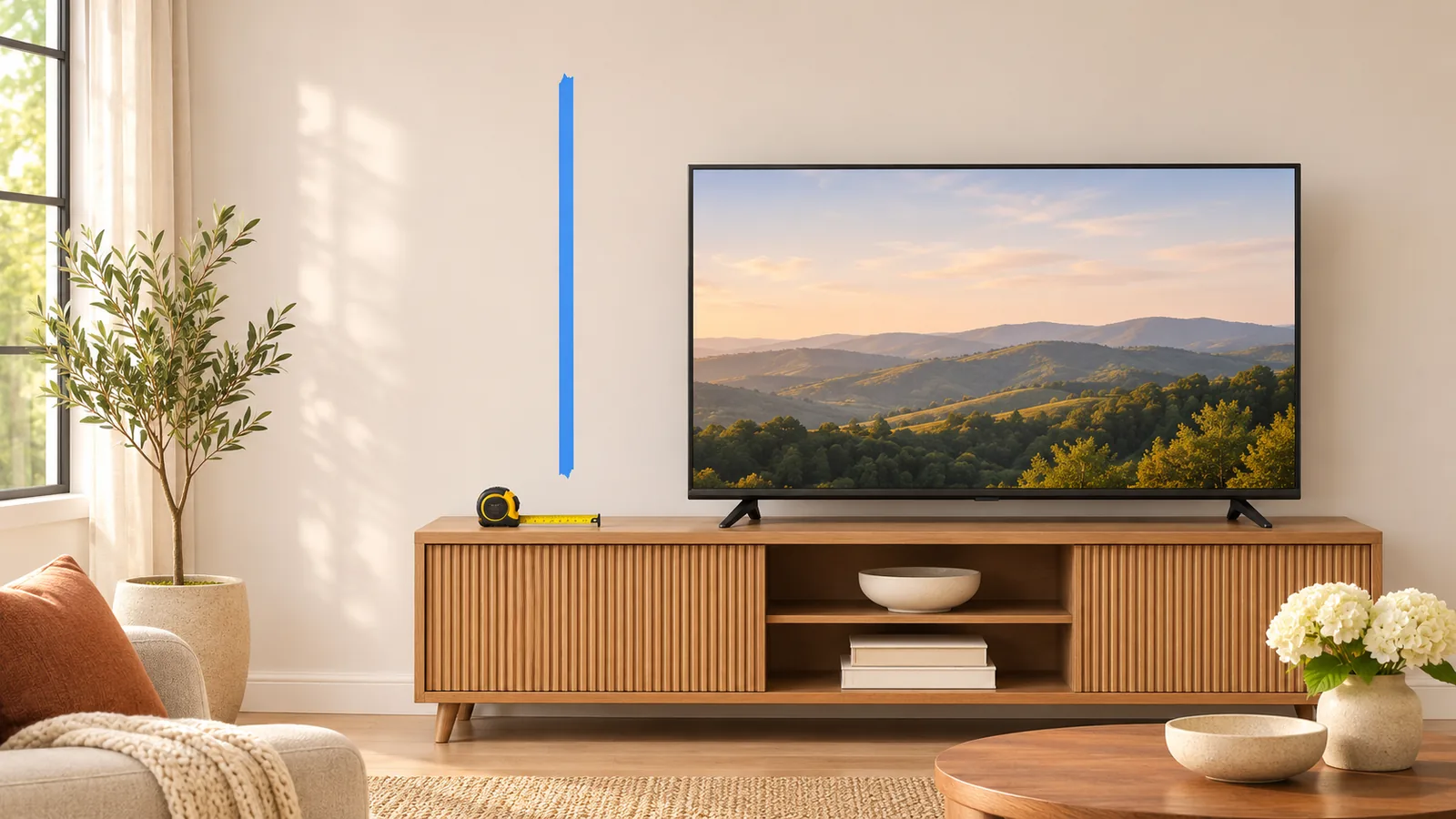
Mark the desired screen outline and note where the permitted wall plate can attach. Then inspect the exact mount's dimensional drawing for a documented lateral adjustment and for how its arm folds. A mount can reach the screen position when extended but leave the parked TV off-center.
Ask: “With the plate attached where the manufacturer allows, where will the TV center be when it is parked?” A useful answer references the model's adjustment and the measured wall. If the mount cannot reach the intended position, compare another approved product, a different position or a suitable stand. Do not add holes to the plate or mix an unapproved anchor with a required stud attachment.
The stud-finding guide explains why a signal is only a clue. A height calculator can help you compare the viewing position, but it does not identify the support or the bracket's drilling reference.
Situation 3: the backing or wall condition is unknown
A magnet, tap or single scan cannot establish every concealed layer or service. Water damage, soft material, seams and old patches also matter. If the wall cannot be identified or does not match the mount's instructions, pause before choosing hardware and ask an appropriately qualified installer to assess it.
Some complete mounting products have a specified drywall-only route. For example, the SANUS LML1 manual allows a particular drywall method with supplied hardware and conditions; it lists a 50 lb TV-and-accessory limit for that route and excludes plaster and lath. This is a product-specific example, not permission to combine its parts with another bracket or use the same limit on an unknown wall.

The no-stud comparison compares complete systems and alternatives. The toggle-bolt guide explains why adding individual advertised anchor ratings does not establish the wall-and-mount capacity.
Match the movement as well as the weight
A fixed-position screen and an extended arm do not place the same demands on an attachment. Verify that the exact system permits the intended mount and motion on the actual wall. A low-profile drywall-only product's instructions do not automatically approve a full-motion arm.
If you rent, ask the property owner about permission and restoration before holes are made. A no-stud product may still leave holes. Our apartment guide offers a short written request; it does not replace your lease or building rules.
Prepare a useful installation request
Give the installer the TV and bracket models, actual weight, intended movement, desired position and anything reliable about the wall. Ask: “Which instructions permit this exact attachment, and what will you do if the wall is different?” If the answer depends only on a generic “heavy-duty” anchor rating, ask to see the complete system requirements.
Start a TVMounty request with the intended scope and address. The address is checked for availability and any travel fee; the requested arrival window still needs confirmation. Agree on any scope or price change before work begins.