TVMounty installation guides
How to Center a TV When the Studs Are Off-Center
Off-center studs do not automatically mean an off-center TV. First locate the permitted attachment points, then check where the TV center will be when the mount is parked. A compatible wall plate or manufacturer-approved lateral adjustment may bridge the difference. If the measured adjustment is not available on that exact wall and mount, change the position or have a support plan assessed before drilling.

Separate three centerlines
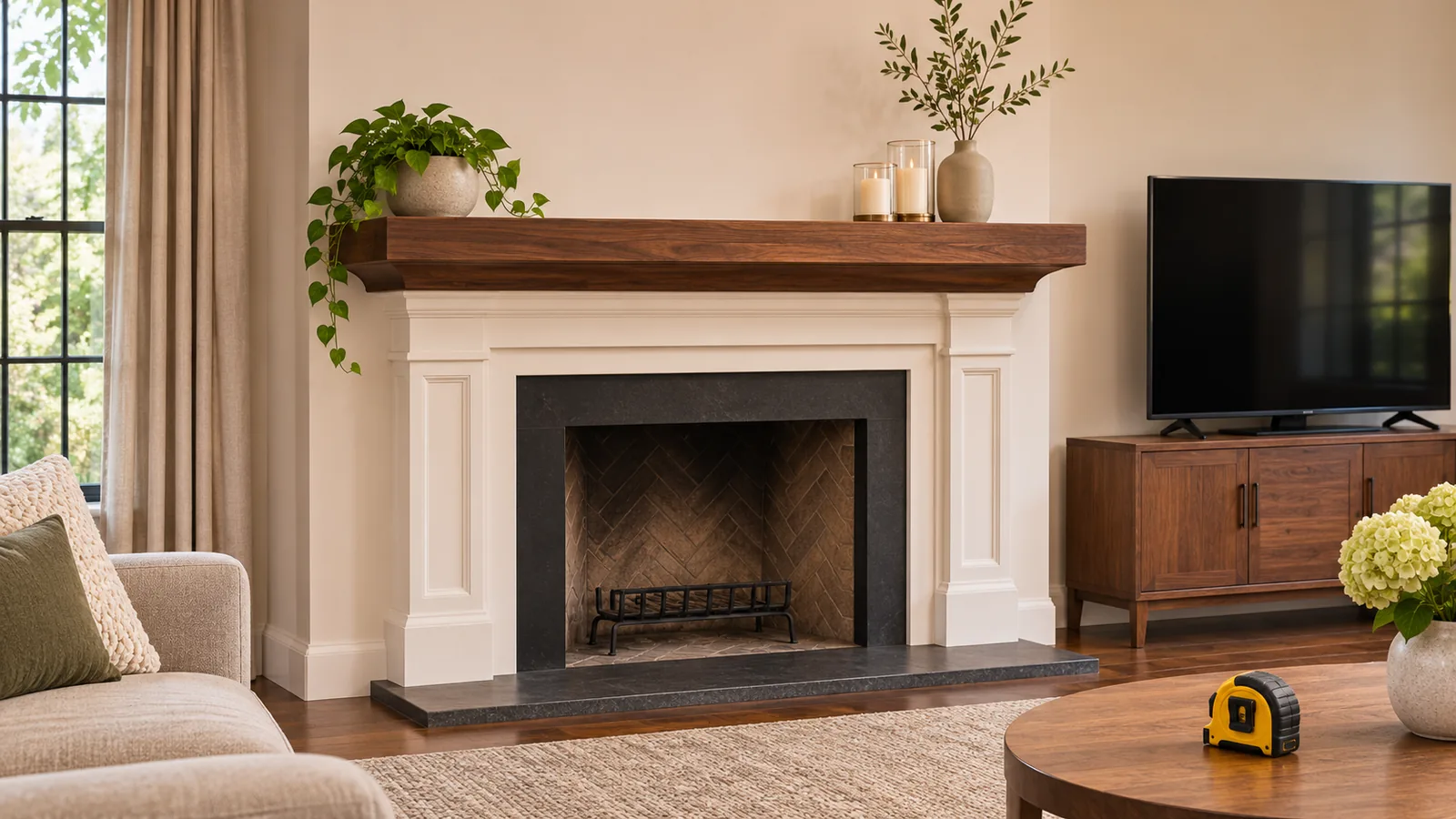
A room feature, such as a media console or a fireplace, gives you a desired screen center. The studs establish possible wall-fastener locations. The bracket has its own wall-plate and TV-interface reference points. Those three lines do not have to coincide, but the complete installation has to remain within the manufacturer's permitted positions.
For a practical example, suppose the two confirmed stud centers are 16 inches apart and their midpoint is 4 inches left of the desired TV center. The question is not “Can the TV move?” It is “Does this exact mount permit the TV or arm to move 4 inches right of the necessary plate position when parked?” The 4 inches is an example to measure, not an available adjustment on every mount.

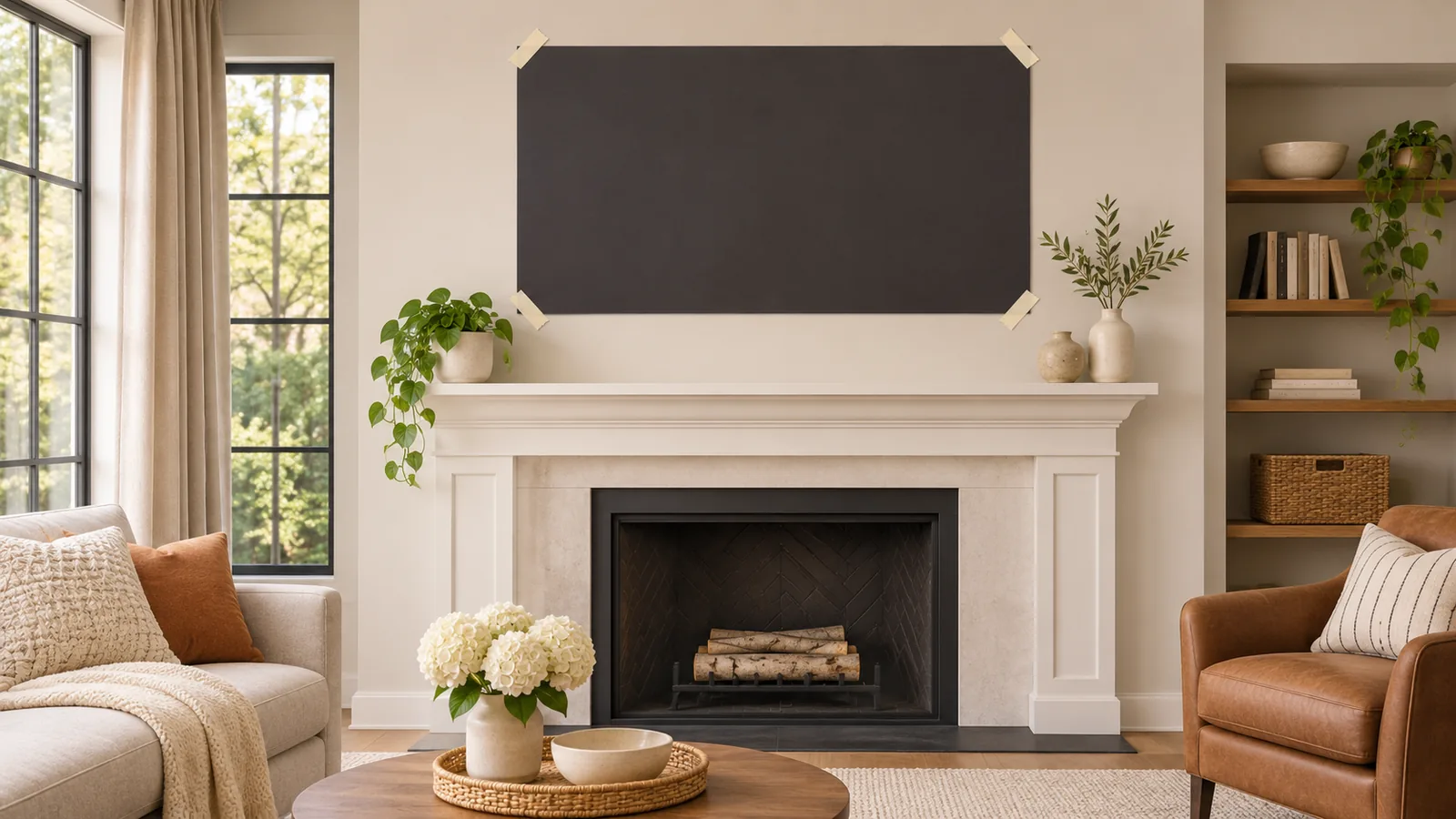
Mark the desired center with removable tape. Note the stud locations separately, and use a cardboard screen outline to test the view and surrounding furniture. A scanner or magnet provides clues, not complete proof of framing or hidden services; see our stud-finding guide.
Work out where the wall plate can go
Read the installation drawing for the exact mount. It should identify the allowed wall construction, required number of fasteners, slots and placement relative to the verified supports. The wall-plate center is the midpoint of its own measured span, not necessarily the midpoint of the screen. On a wide plate, the same two studs may allow several permitted horizontal plate positions; on another product they may not.
Place a paper representation of the wall plate over your measured stud and center lines. Can the specified fasteners land in permitted slots while the TV interface reaches the desired center? Check the wall plate's full width against trim, outlets and any surface box. Do not drill extra holes in the plate or move a prescribed fastener outside a manufacturer's permitted location.
If the concern is the distance between the studs rather than their midpoint, the companion guide on 24-inch stud spacing explains slot span and support spacing.
Compare documented adjustments
Some mounts permit the vertical TV brackets to slide along a wall plate. Others reposition the central arm assembly. These are not interchangeable: the direction, available distance, stops and locking steps depend on the actual product. A listing that says “lateral shift” does not establish that your measured four-inch correction is available with your screen and attachment.
For example, the SANUS SLT4B product page describes side-to-side positioning. Its model-specific installation guide distinguishes wood-stud adjustment from concrete installation, for which the brackets must remain centered on the wall plate. Do not carry a wood-stud option over to masonry. Consult the current manual, supported wall and product configuration; this example does not grant a universal shift distance.
A wider plate, manufacturer-approved compatible accessory or professionally assessed backing plan may be an option when the first mount cannot reach. The mount and wall must be approved as a complete system. Never assume one large anchor rating, an improvised plate extension or a spare piece of wood makes an unapproved configuration acceptable.

Check the parked position and full movement
On a full-motion arm, moving the screen into position while extended does not prove it returns to that same center when folded. Draw or measure the parked screen center, the intended watching position and the path between them. Check the arm's sideways fold, TV depth, outlets, soundbar and cable slack. Use only the positions and locking instructions documented for your model.
Ask an installer: “From these verified fastening points, where is the TV center when the mount is fully parked?” A useful answer names the exact mount, measured adjustment and wall plate position, or explains why that arrangement is not supported. “It swivels” alone does not answer the parked-position question.
Decide what to send before the visit
Measure the feature you want the TV centered over, its center height, the TV's width and weight without its stand, the mounting-hole pattern and any soundbar. If you already own a mount, provide its complete model number and manual. Photos of the wall are helpful for planning, but they cannot verify the hidden framing or a safe fastening path.
For vertical placement, try the TV height calculator: enter your screen size, seating distance and measured eye height, then compare a proposed center. It helps plan a view, not identify studs or approve the attachment.
Request help planning a centered TV installation and include your target center and mount details. The full address is checked for coverage and any travel fee; a requested arrival window still requires confirmation.